
A current browser
Verification opens as a web page on a phone or a desktop computer.
Every medicine bottle has its own identity. The QR is printed during production and activated when production ends and the owner completes its record. A later lookup lets the person compare the unit with that record.
From production
Traza links a unique identifier to each unit for printing during production. It is activated only when production is complete, with full lot and expiry data.
 Look up the example unitTRZ-7F2K-4K7Q-92FA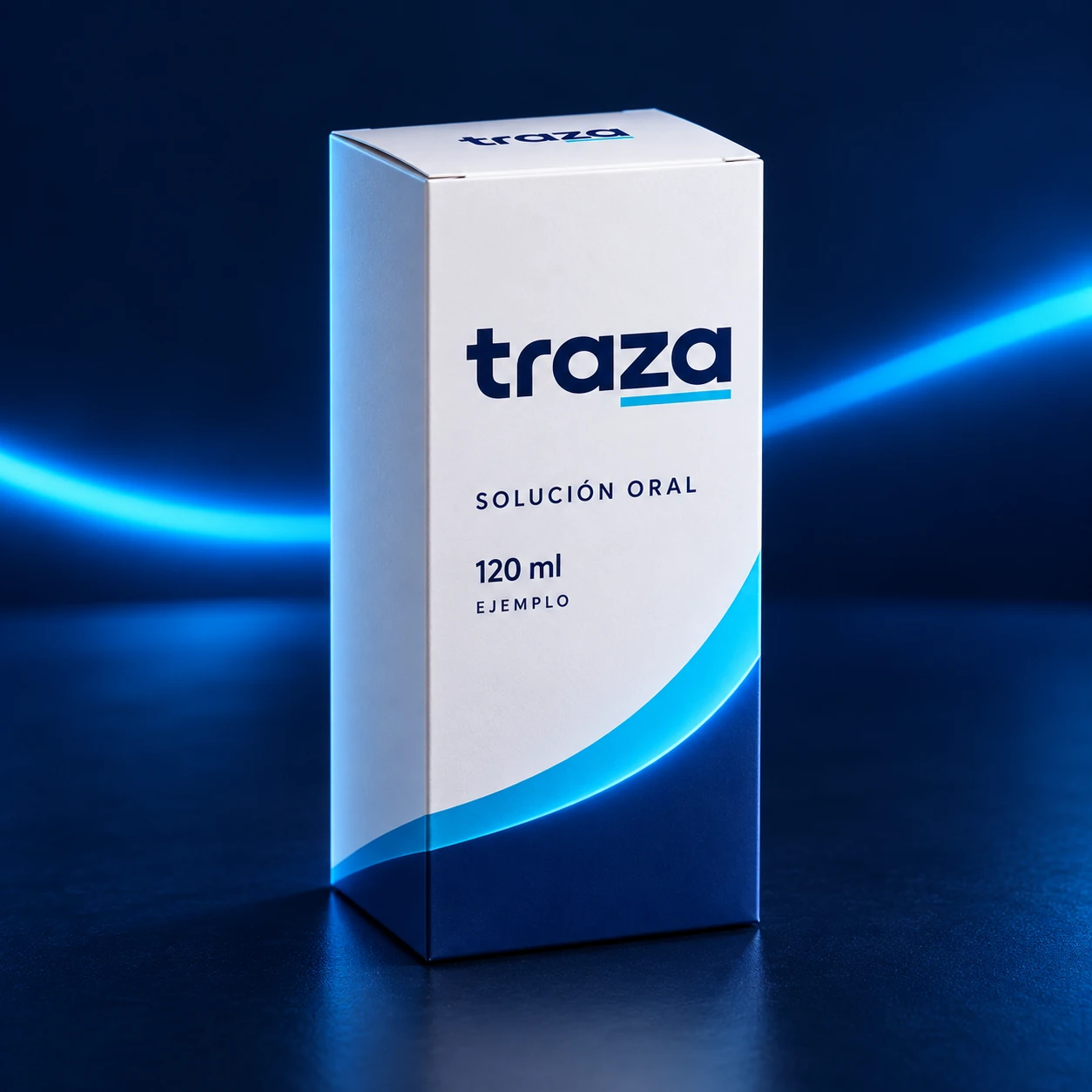
The issuer requests identifiers for the order, one per unit.
Each package receives its QR and readable serial during production.
Only when production is complete, printing is confirmed, and lot and expiry data are complete.
The process connects the production order with packaging, activation and public lookup. It records the identifier’s lifecycle without requiring transport, distribution or sales events.
The manufacturer or importer requests an issuance linked to its order. A different signed identifier is generated for each unit. The record is linked to the product; lot and expiry are completed after production, before activation.
The QR and readable identifier are printed on each medicine carton, label or seal. A press proof checks readability, contrast and quiet zone. Printing alone does not activate the code.
When the run ends, the owner completes lot and expiry and confirms the produced units. Used codes are activated; unused ones are voided when issuance closes. A lookup before activation remains under review.
The person scans the QR or types the identifier. The lookup separates signature, registry, data and signals; the person compares name, 120 ml presentation, concentration, health registration, lot and expiry with the package.
The responsible organisation reviews signals and discrepancies to guide field inspection. This website lets people prepare and download a report; delivery and follow-up use the organisation’s own channel.
These stages organise what the registry knows. Issuance, printing and activation precede lookup; signals and closure record reviews or withdrawal where applicable. They do not describe a logistics route.
The platform derives and signs each unit’s identifier, within the order that was requested.
The unique QR is printed on the packaging and its readability is checked before activation.
After production, lot and expiry are completed and the used codes are confirmed; only then do they become active.
Anyone checks the unit from the browser and compares what they see with the registry.
Every lookup adds context: when the first one happened, how many there have been and which patterns need review. A signal does not prove a copy.
Closure preserves the history and records voided or withdrawn identifiers. It does not record a sale.
The result of a verification is not a single word. It is built from four independent signals, each with its own explanation.
Checks that the identity was issued by the expected issuer and has not been altered since.
Looks up whether the identity is active, suspended or revoked, and which events are recorded in its history.
Shows the recorded data for the person to compare with the packaging. This site does not inspect the label or physical contents.
Looks for patterns worth reviewing: the same code looked up in different places, events out of sequence or inconsistent locations.
The registry declares a valid signature, an active identity and no alerts. The person must compare the data with the package: the result does not certify its contents or confirm that the label is not a copy.
The registry declares a valid signature and a signal that needs review, such as repeated lookups or a code awaiting activation. Compare the unit and, where appropriate, prepare a report for the responsible organisation.
The code does not correspond to an issued identity, or the registry indicates it was revoked. Do not treat the unit as verified and use the discrepancy report.
It was not possible to consult the registry — for example, without a connection — or the code could not be read. This is not a verdict on the unit: try again when possible.
Very little. Public verification was designed to work at the point of sale with what anyone already carries.
Verification opens as a web page on a phone or a desktop computer.
There is nothing to download or sign up for. No personal data is requested to verify either.
Registry status and anomalies require a connection. Without one, the result is marked as unverifiable and can be retried.
The code on the label is scanned with the camera or typed by hand if it is damaged.
Public verification includes sample codes that show each of the possible results.